01
Get your card ready.
Your card provider assigns your NFC card to your account. It’s ready to link, without a claim code.
Your details, your work, your next opportunity. Share it all with a smart card that keeps up with you.
Start with a free account. No app needed to view your profile.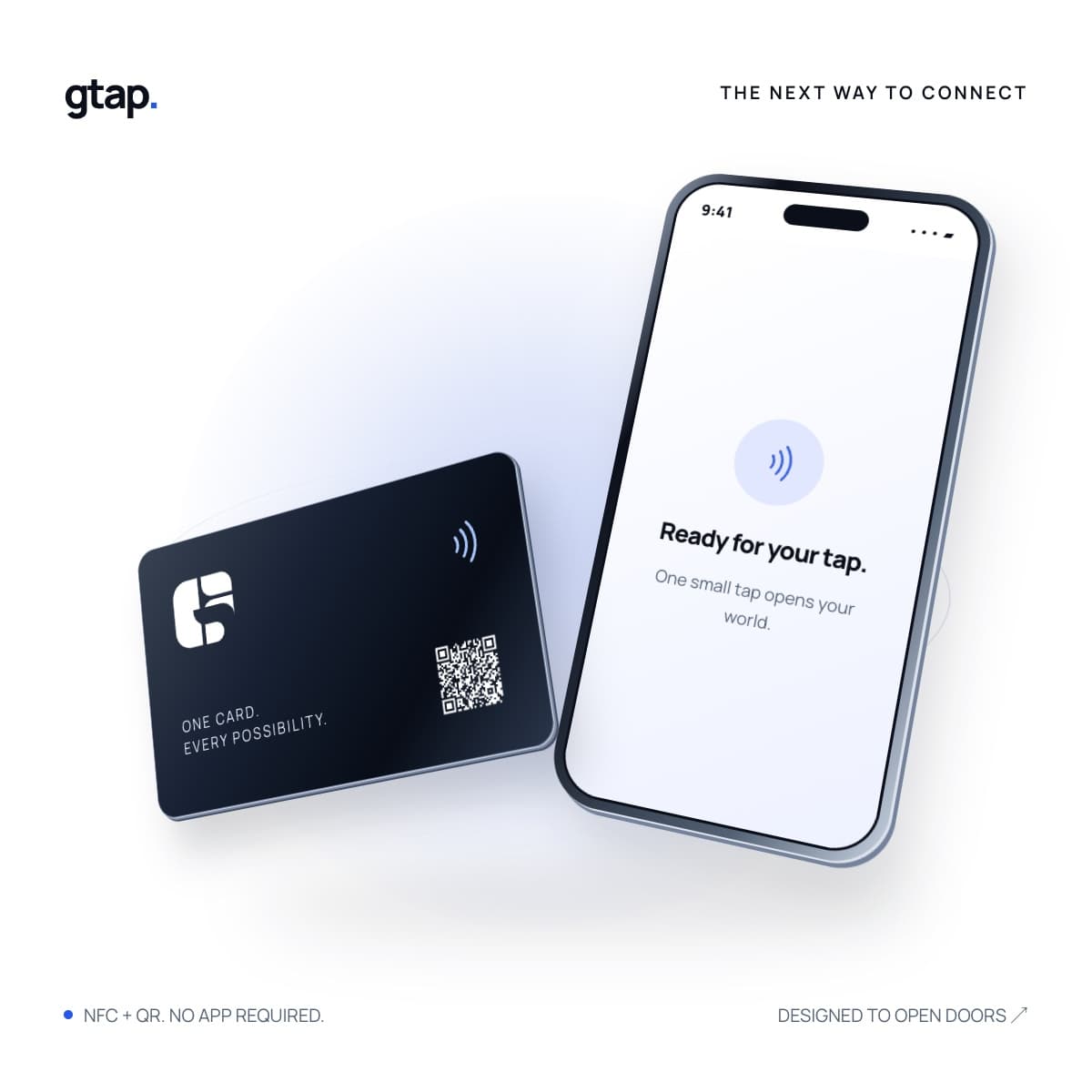
Good to meet you.
A small preview of your next introduction. Add your details and choose a look. No account needed to try it.
Create your real pageLive preview only. Create an account to save and publish your page.
Turn a quick introduction into a connection that lasts. Your physical card is just the beginning.
Your card provider assigns your NFC card to your account. It’s ready to link, without a claim code.
Create a digital profile, showcase your portfolio, add a resume PDF or choose an existing website.
Let your next introduction open the right page. Update the destination anytime without rewriting your tag.
A quick look at how G-tap brings your card, your content and your next connection together.
01. Create your page. Start with your details. Add your work, resume or portfolio PDF, then publish your page.
02. Link your card. Once your administrator assigns your card, choose your published page or an existing website and save.
03. Tap to share. Tap a compatible phone to open your destination. Change it later without rewriting your card.
This silent animation uses an illustrative profile to demonstrate existing platform features.
Bring your details, social links and contact information together on a page that feels like you.
Create your profileYour work. Your story. Your next hello.
Illustrative tap demo. Choose what your own card opens.
From a first introduction to sharing the work you love. Bring your world into the conversation with a tap.
See how your digital page, your content and your card work together.
Add a contact form to your page. Visitors can leave their details, and you can find incoming leads in your workspace.
Independent professional


Contact details, expertise and the best way to reach you.
Create your ownDesigner & creative
Selected projects, a portfolio PDF and your next collaboration.
Create your ownYour professional title
Experience, skills and a resume that’s easy to share.
Create your ownIllustrative starting points, not customer profiles. Personalize your page after creating an account.
Bring your team’s pages together, invite colleagues and decide who can edit what. A consistent introduction with room for everyone’s own story.
Explore teams Team features depend on your plan.Update your destination as your work evolves. Keep the same physical card.
Clear controls, from your first draft to your next introduction.
Keep page edits in a draft. Uploaded files become public only when referenced by a published page.
Pause your card or mark it as lost from your dashboard to stop its destination opening.
Link a published page, share a resume PDF or choose your existing public website. Update it when you need to.
Everything you need to know before your next introduction.
More questions?Your physical NFC card holds a permanent web address. When someone taps it with a compatible phone, that address opens the profile, page or website you have chosen. Your card provider programs and assigns the card to your account.
No. A visitor opens your public page in their web browser. QR codes provide another way to open the same experience.
Yes. Choose one of your published pages or paste an existing public HTTPS website or social-profile link, then save. The permanent URL written to your card stays the same.
Yes. Use the guided resume builder or upload an existing PDF up to 10 MB. Add it to a page draft and publish when you are ready. Your uploads stay private until you choose to share them.
Administrators can provision and assign cards to individual accounts. Team owners with the appropriate plan can invite colleagues and delegate selected pages with viewer or editor permissions.
Mark the card as lost or pause it from your dashboard. Its permanent URL will stop opening the destination. Contact your card provider to arrange a replacement.